
Multi-Device Workflow
A multi-device workflow allows you to use several devices together during a live stream, instead of being locked into a single setup.
Your computer, smartphone, and tablet can all play different roles – camera, controller, or streaming hub-depending on what you need at the moment.
With Streamster, desktop and mobile devices work as one unified streaming system. You can stream from your PC, switch to a smartphone or tablet, and switch back again – without stopping the broadcast or reconfiguring anything.
Streamster on Desktop and Mobile
Streamster is available both on computers and on mobile devices running Android or iOS. This means you don’t have to choose between desktop or mobile streaming – you can combine both.
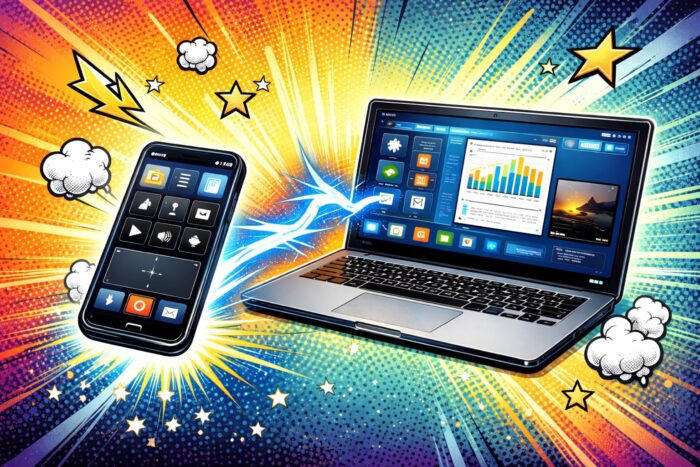
A typical setup might involve preparing your stream on a computer, while using a smartphone or tablet as a camera or control device. Everything stays connected and synchronized, giving you more flexibility without adding complexity.
Seamless Switching Between Devices
One of the key advantages of Streamster’s multi-device workflow is the ability to switch video sources between devices at any time. You can start streaming from your computer webcam, then move to your smartphone camera for a different angle or location, and later switch back to the computer – all within the Streamster ecosystem.
This makes it easy to move around while streaming, show multiple perspectives, or combine a stable studio setup with mobile shots.
Flexible Streaming Scenarios
Streamster is designed around real-world workflows, not rigid rules.
You can run the main stream on your computer and control it remotely from your smartphone or tablet, which is ideal when your PC is fixed in one place but you want freedom of movement. In another scenario, you can set up everything on the computer – platforms, layouts, and settings – then leave it running while you go live directly from a mobile device. This approach works especially well for outdoor streams, events, or travel.
If needed, Streamster also works perfectly as a standalone desktop app or a standalone mobile app. You can start with a simple setup and expand to a multi-device workflow later, without changing tools.
Why a Multi-Device Workflow Matters
Modern live streaming isn’t confined to a single desk, camera, or location. Creators need flexibility to move, adapt, and experiment with their content. Streamster’s multi-device workflow lets you use the devices you already have in smarter ways, giving you more creative freedom and a setup that grows with your needs.
One stream. Multiple devices. Total flexibility.







