Manual: SoulCams
1.1. Log in to your Soulcams account at performer.soulcams.com.
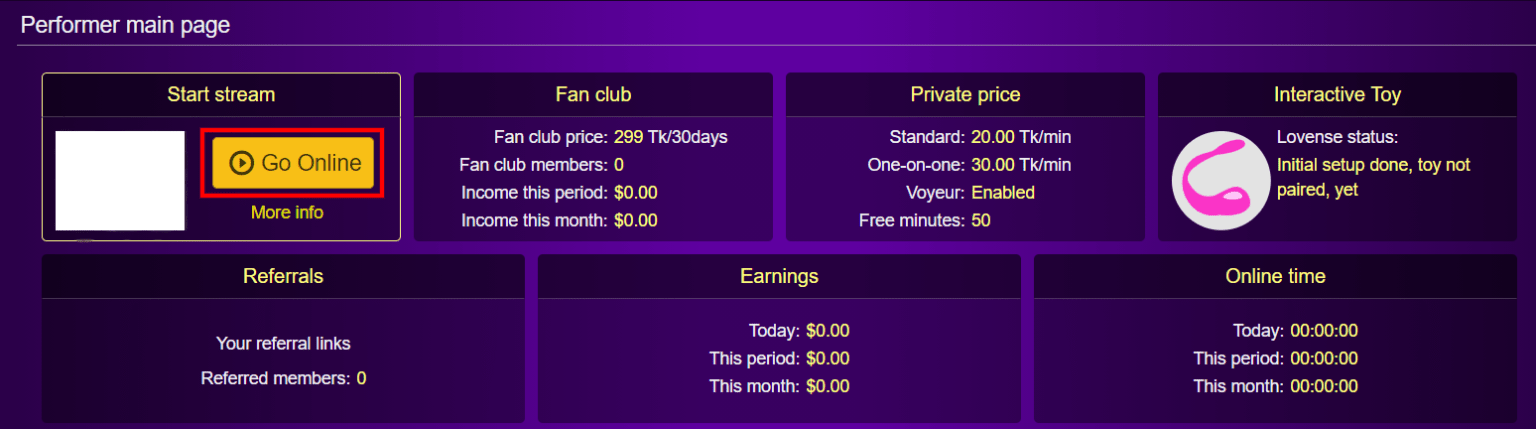
1.2. Click “Go Online” button.
1.3. Click “Settings” button in the top menu.

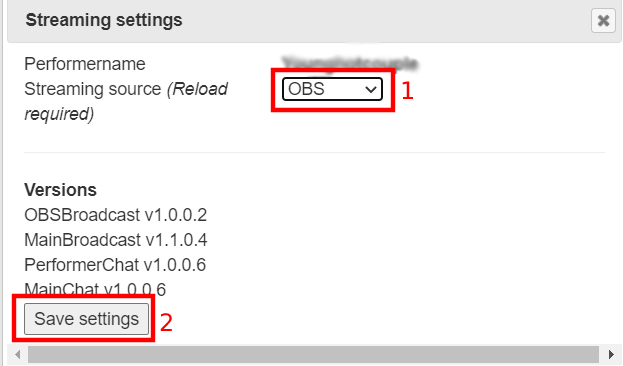
1.4. In the pop-up window choose “OBS” as a streaming source (1) and click “Save settings” button (2).
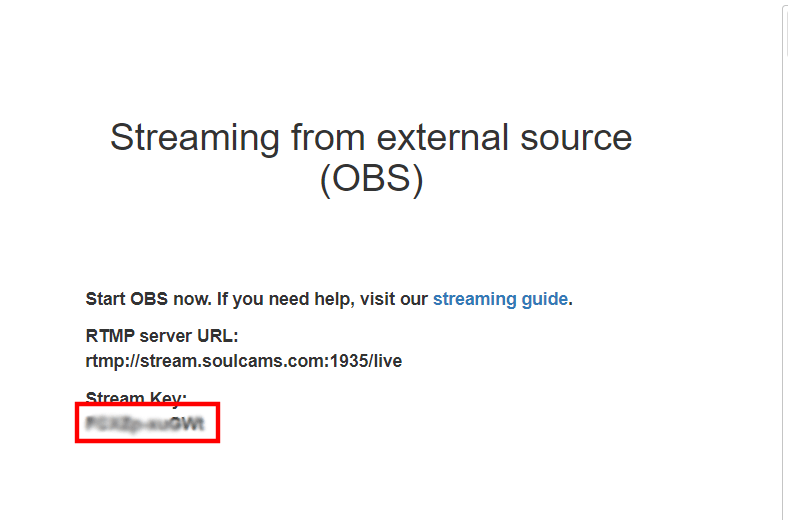
1.5. Copy your Stream Key.
2. Set up SoulCams channel in Streamster
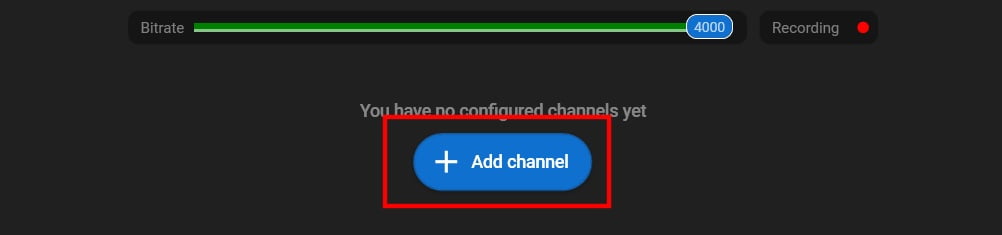
2.1. Click “Add channel” button.
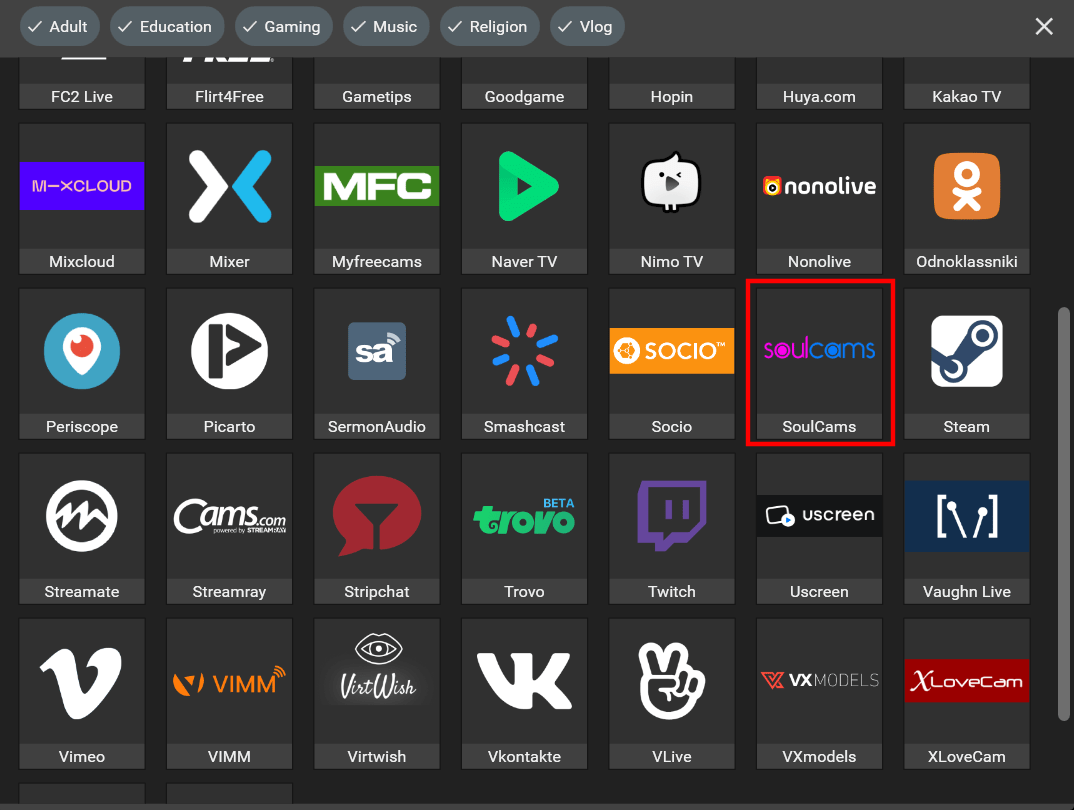
2.2. Choose “SoulCams” from the list of channels.
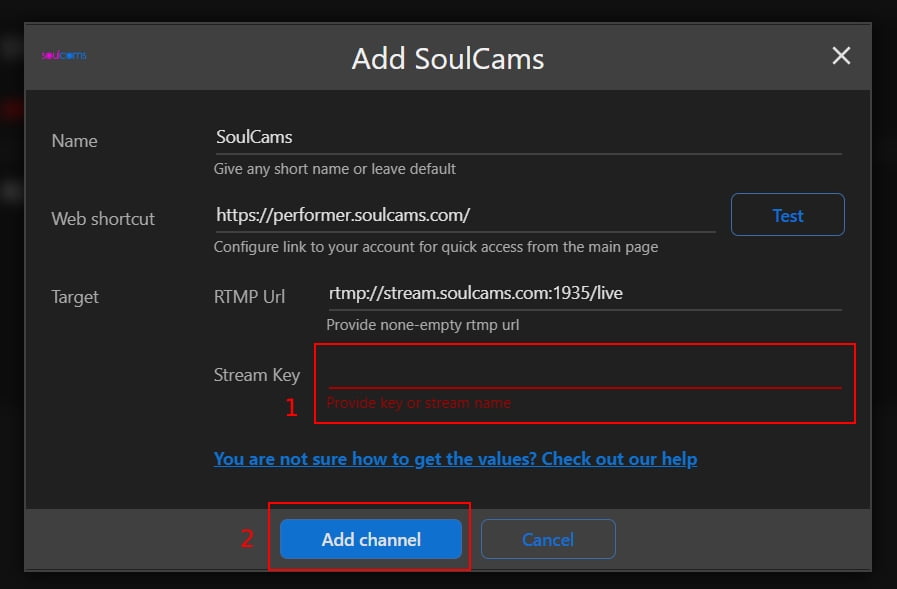
2.3. Paste your Stream Key (1), and click the Add channel button (2).
2.4. Start your live stream on the platform.