Manual: Odnoklassniki
1. Set up the external encoder on Ok.ru
1.1. Log in to your account on ok.ru.
1.2. Click the “Live” button.
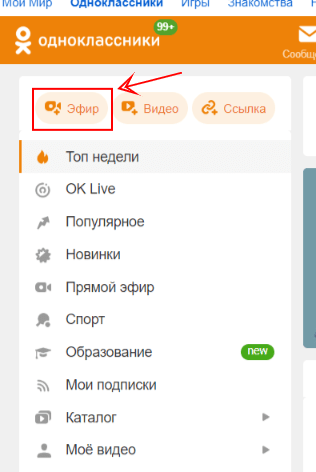
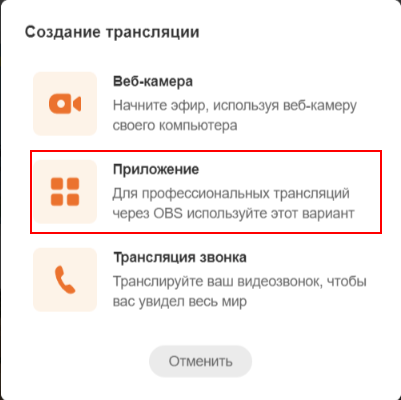
1.3. Choose the “Application” option.
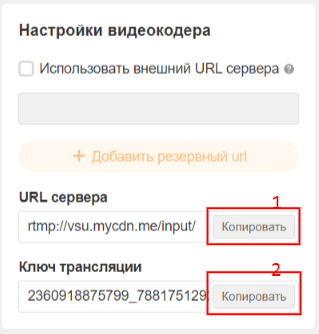
1.4. Copy the Ingest server link (1) and Stream key (2).
2. Set up the Odnoklassniki channel in Streamster
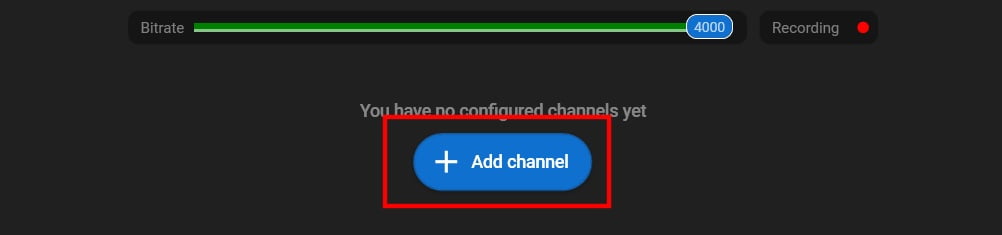
2.1. Click the “Add channel” button.
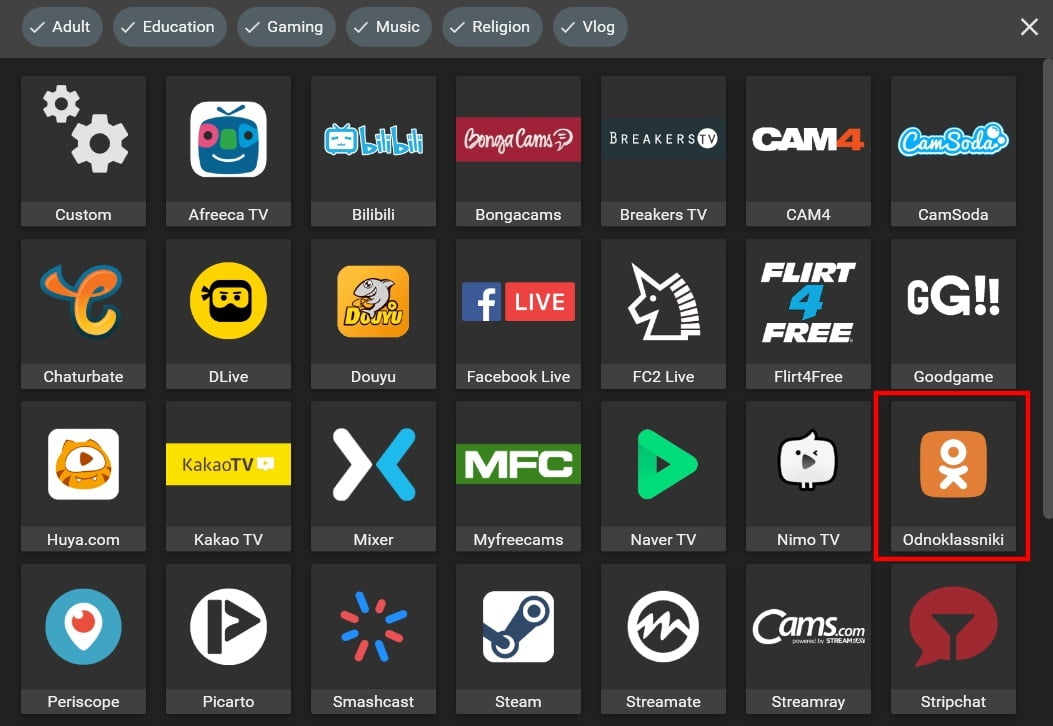
2.2. Click on the “Ok.ru” logo.
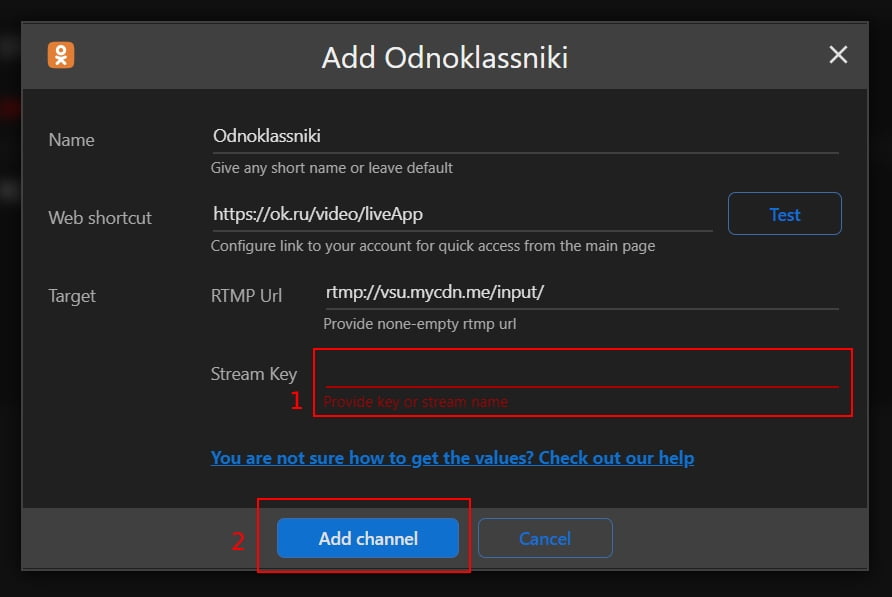
2.3. Paste your Stream key (1), RTMP URL (2), and click the Add channel button (3).
2.4. Start your live stream on the platform.